 Week view is an elegant and detailed view of the entire week. Week view is available to all WeekCal users.
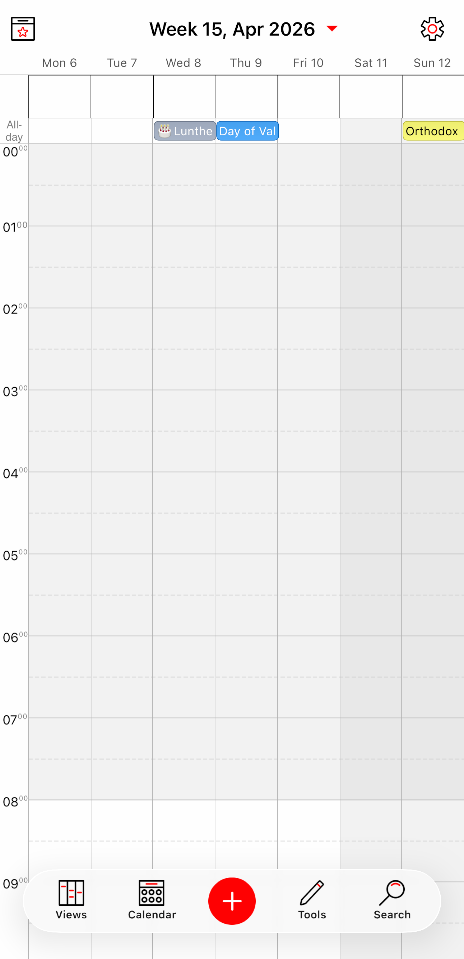
Week View Settings (iOS Only)
Rotate to - choose which view to display when the device is rotated from Week view.
How to Access List View Settings (iOS Settings)
- Open WeekCal
From any view, tap the Settings (gear icon).
- Go to Views
Scroll down and select Views.
- Open Week View settings
Tap the info (i) icon next to Week View to access its settings.
How to switch to Week View:
1. From any view, tap the Views button at the bottom of the screen.
2. Select Week from the pop-up list.